
Working perfectly fine loved it
"Working perfectly fine loved it"
Warenkorb
Dein Warenkorb ist leer
WICHTIGE Information für irische Kunden – Stecker!
Bitte beachten Sie, dass alle unsere Produkte mit einem EU-2-Pin-Stecker geliefert werden. Sie können einen Reiseadapter verwenden, um die Produkte in Steckdosen außerhalb der EU mit 2-Pin-Stecker zu nutzen.
Optionen wählen
WICHTIGE Information für irische Kunden – Stecker!
Bitte beachten Sie, dass alle unsere Produkte mit einem EU-2-Pin-Stecker geliefert werden. Sie können einen Reiseadapter verwenden, um die Produkte in Steckdosen außerhalb der EU mit 2-Pin-Stecker zu nutzen.
WICHTIGE Information für irische Kunden – Stecker!
Bitte beachten Sie, dass alle unsere Produkte mit einem EU-2-Pin-Stecker geliefert werden. Sie können einen Reiseadapter verwenden, um die Produkte in Steckdosen außerhalb der EU mit 2-Pin-Stecker zu nutzen.
Overall rating: 4.9333334 / 5 from 30 reviews.
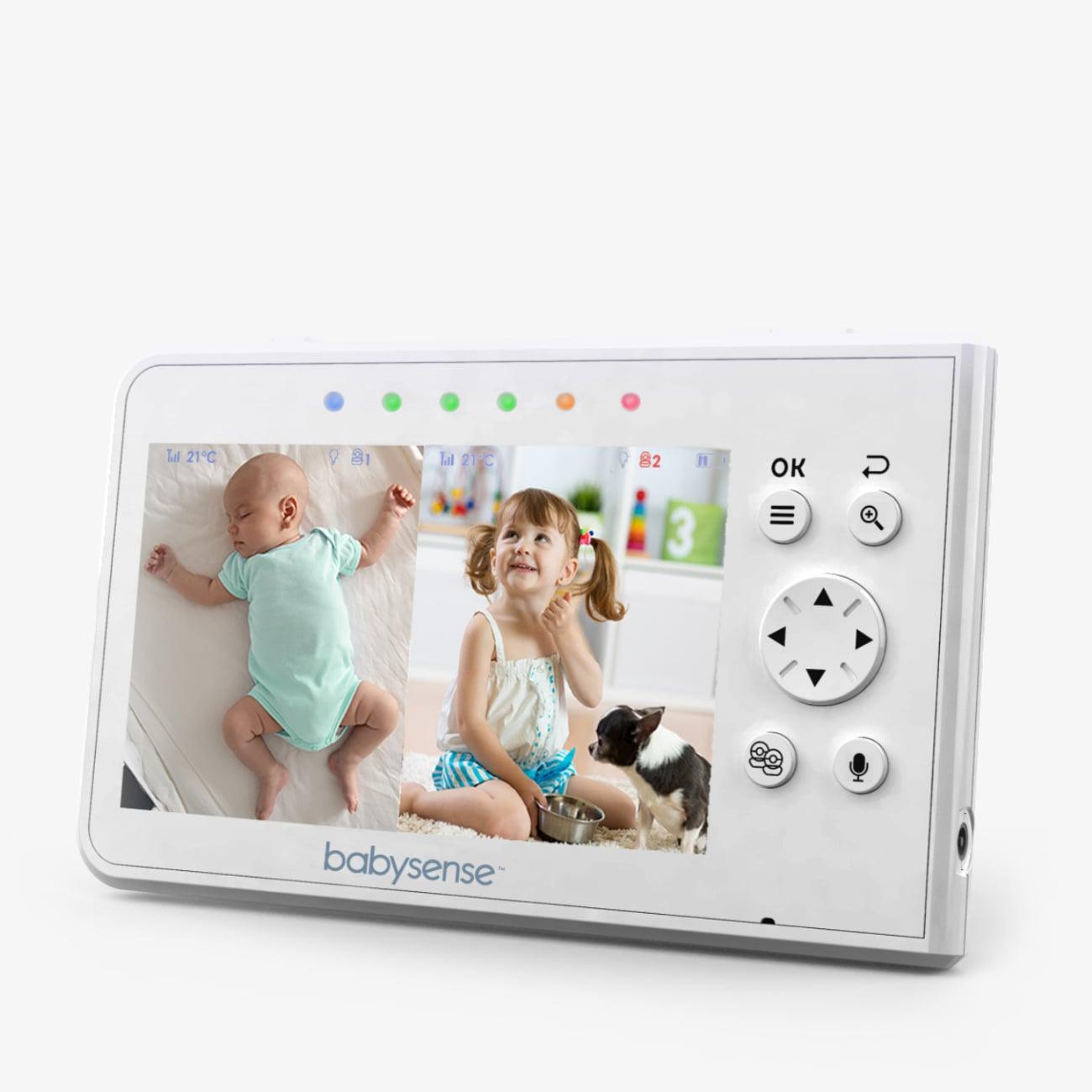
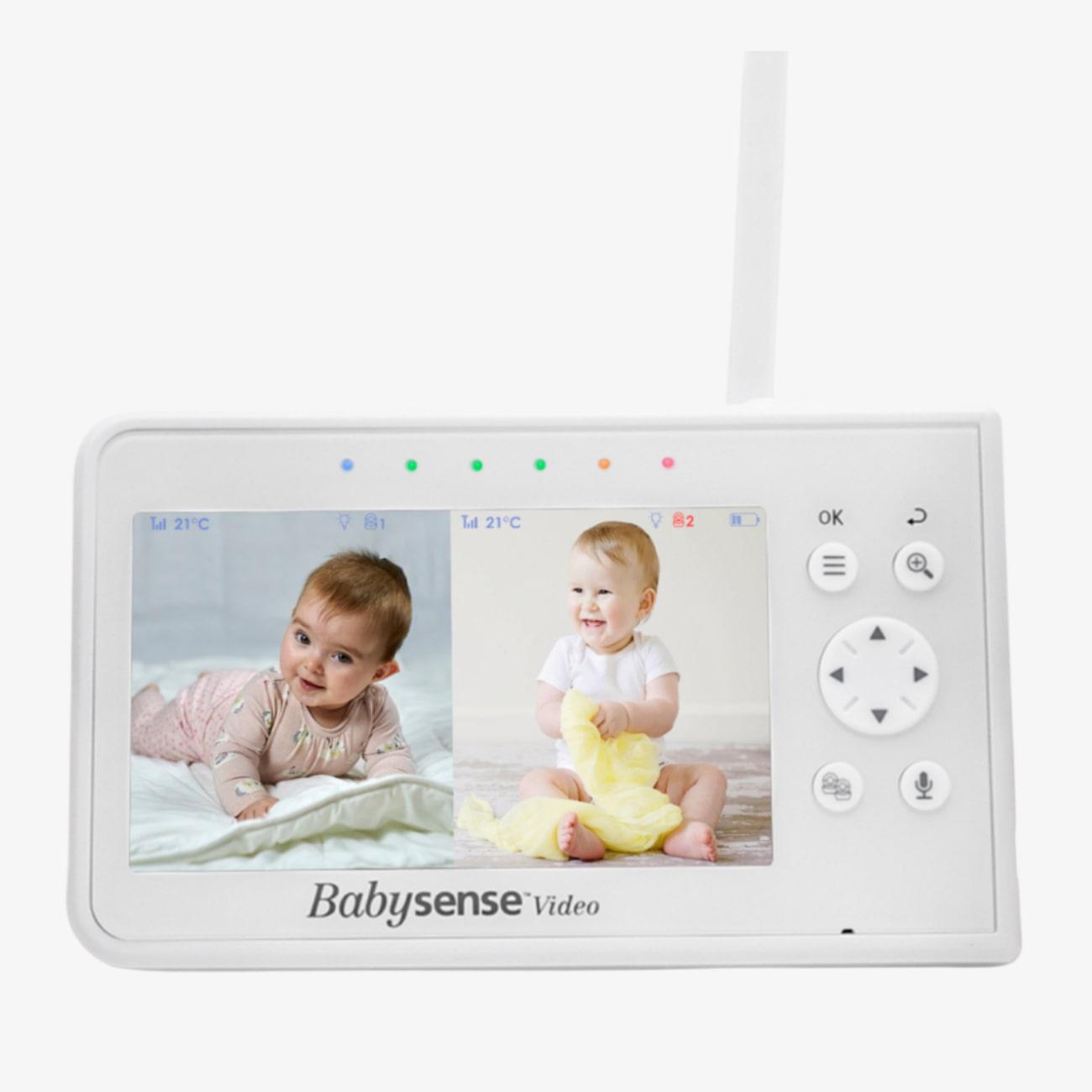
The Parent Unit for Split-Screen Video Baby Monitor V43 allows parents to monitor two rooms or babies simultaneously. It offers excellent picture quality and is compatible with up to four cameras. Note that it requires the V43 Camera Unit and is not compatible with other models.
Review topics: ["light","delivery","quality","monitor","customer service","screen","features","camera","price","picture"].
"Working perfectly fine loved it"
"My Partner has a balance problem and has fallen over multiple times just recently. I now have 2 Babysense V43 monitors with 4 cameras each, around the house, so that if she falls again, and cannot get up, I will know and be able to go and help her up."
"I love this product. I have been using it for two years straight and its amazing"
"Battery life slightly poor"
"This is seriously THE best baby monitor out there. It's an affordable price, can connect to multiple cameras, it's WiFi-free for keeping our kids safe, and the extra features are great. This is the only monitor we'll ever use!"
"Great monitor and great customer service if you need them"
"Super babyphone et super service client 2 ans que nous sommes conquis par ce babyphone, et le service client est juste incroyable !"
"Great monitor, except temperature doesn’t always show"
"This monitor is well made and has a clear picture on the screen. The sound is clear, and the temperature of the room is so helpful. I am extremely happy with the customer service. Sean was so helpful in getting me set up with a working unit after I dropped my original parent unit, and then couldn’t make the replacement unit work with my cameras. I highly recommend the product and the company!"
"Mon unité parentale ayant lâchée dû à chute provoquée par ma fille. J'ai repris le même. Très satisfaite. Le sav est topissime. Merci à eux."
Behalten Sie zwei Räume oder zwei Babys gleichzeitig im Auge, nebeneinander auf demselben Bildschirm in Echtzeit, während Sie sich etwas Zeit für sich selbst nehmen.
WICHTIGE Informationen für irische Kunden – Stecker!
Bitte beachten Sie, dass alle unsere Produkte mit einem 2-poligen EU-Stecker geliefert werden. Sie können einen Reiseadapter für die Verwendung in Steckdosen mit 2-poligen Steckern außerhalb der EU verwenden.
Overall rating: 4.9333334 / 5 from 30 reviews.
The Parent Unit for Split-Screen Video Baby Monitor V43 allows parents to monitor two rooms or babies simultaneously. It offers excellent picture quality and is compatible with up to four cameras. Note that it requires the V43 Camera Unit and is not compatible with other models.
Review topics: ["light","delivery","quality","monitor","customer service","screen","features","camera","price","picture"].
"Working perfectly fine loved it"
"My Partner has a balance problem and has fallen over multiple times just recently. I now have 2 Babysense V43 monitors with 4 cameras each, around the house, so that if she falls again, and cannot get up, I will know and be able to go and help her up."
"I love this product. I have been using it for two years straight and its amazing"
"Battery life slightly poor"
"This is seriously THE best baby monitor out there. It's an affordable price, can connect to multiple cameras, it's WiFi-free for keeping our kids safe, and the extra features are great. This is the only monitor we'll ever use!"
"Great monitor and great customer service if you need them"
"Super babyphone et super service client 2 ans que nous sommes conquis par ce babyphone, et le service client est juste incroyable !"
"Great monitor, except temperature doesn’t always show"
"This monitor is well made and has a clear picture on the screen. The sound is clear, and the temperature of the room is so helpful. I am extremely happy with the customer service. Sean was so helpful in getting me set up with a working unit after I dropped my original parent unit, and then couldn’t make the replacement unit work with my cameras. I highly recommend the product and the company!"
"Mon unité parentale ayant lâchée dû à chute provoquée par ma fille. J'ai repris le même. Très satisfaite. Le sav est topissime. Merci à eux."